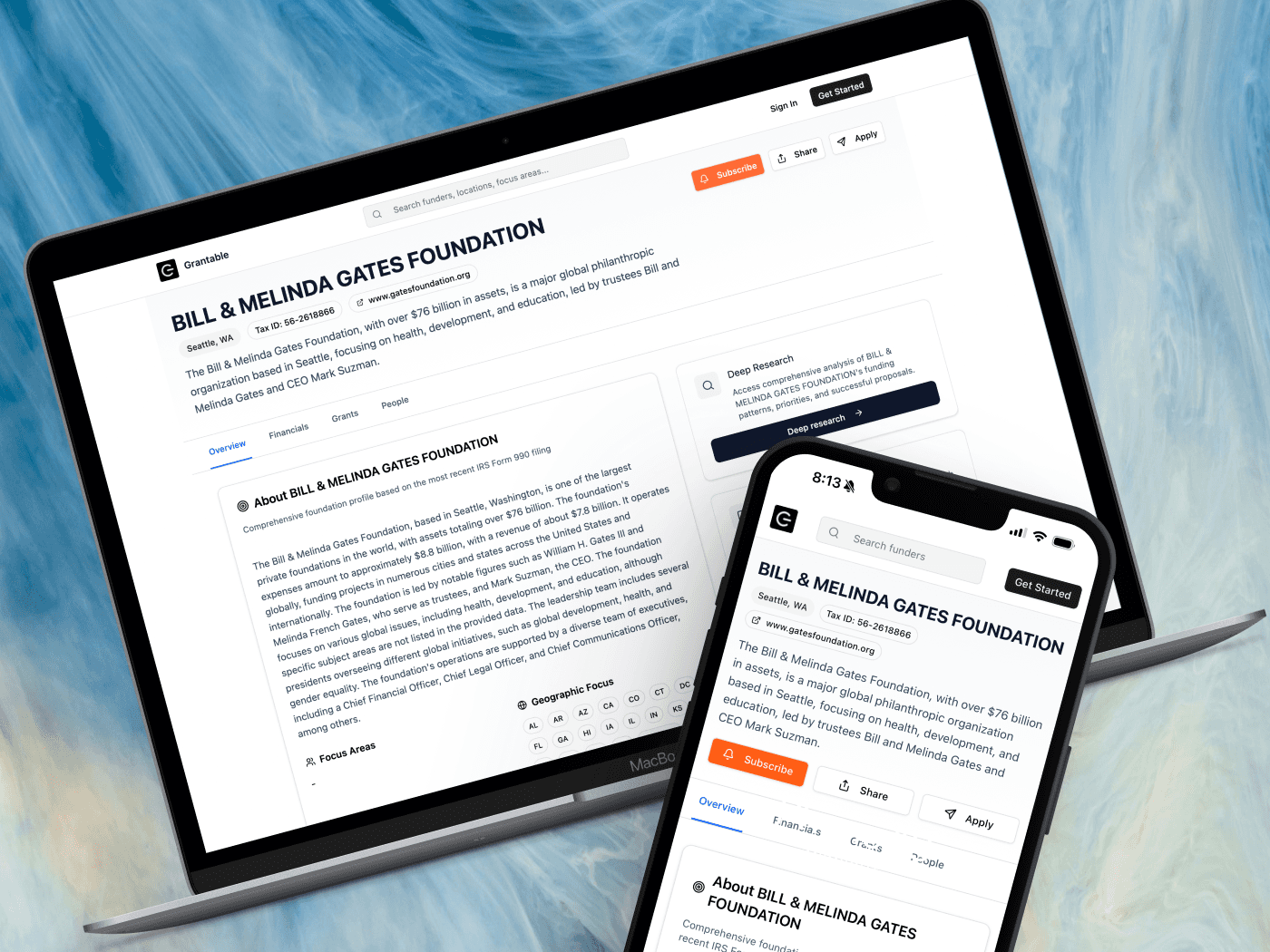
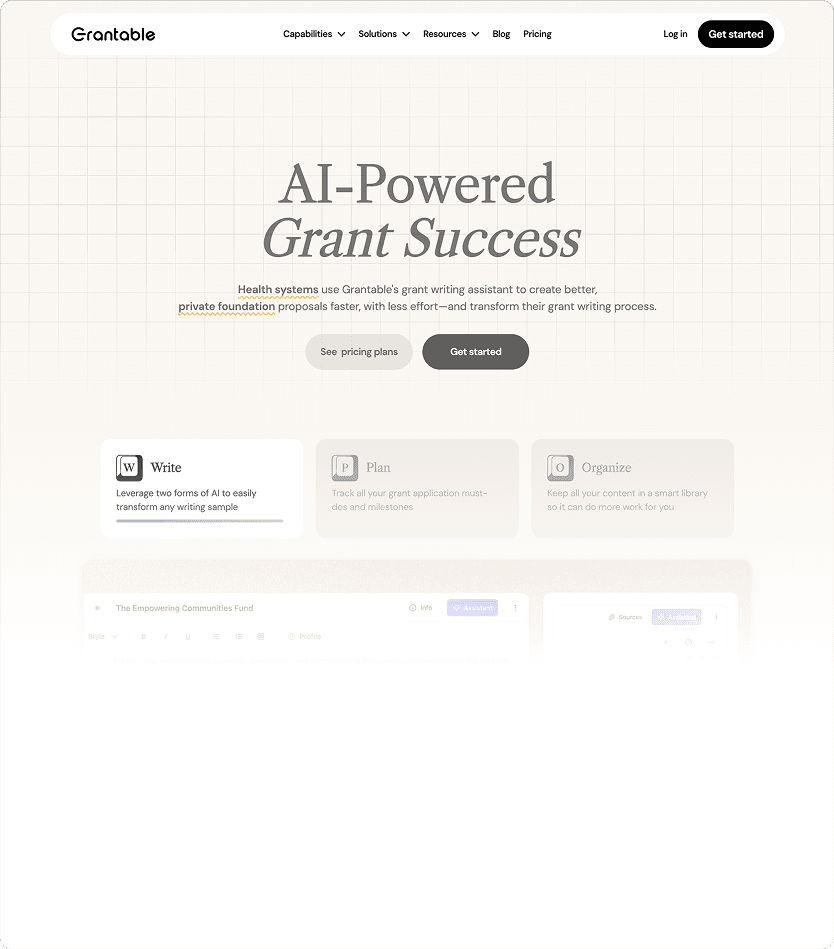
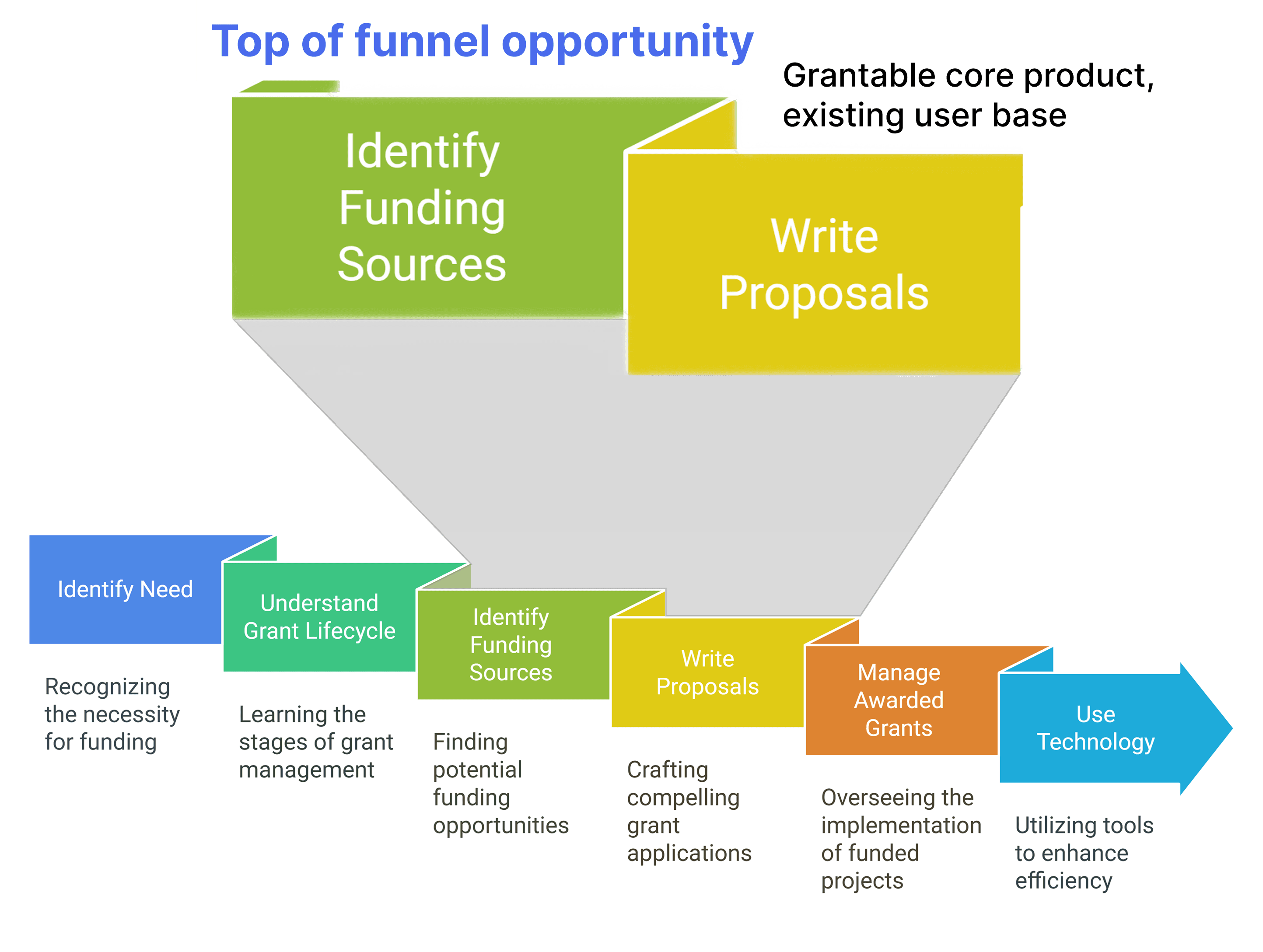
Grantable is an AI-powered grant writing tool. Our organic traffic was primarily high-intent users already searching for AI tools. We identified an opportunity to reach grant professionals at an earlier stage - during funder research.
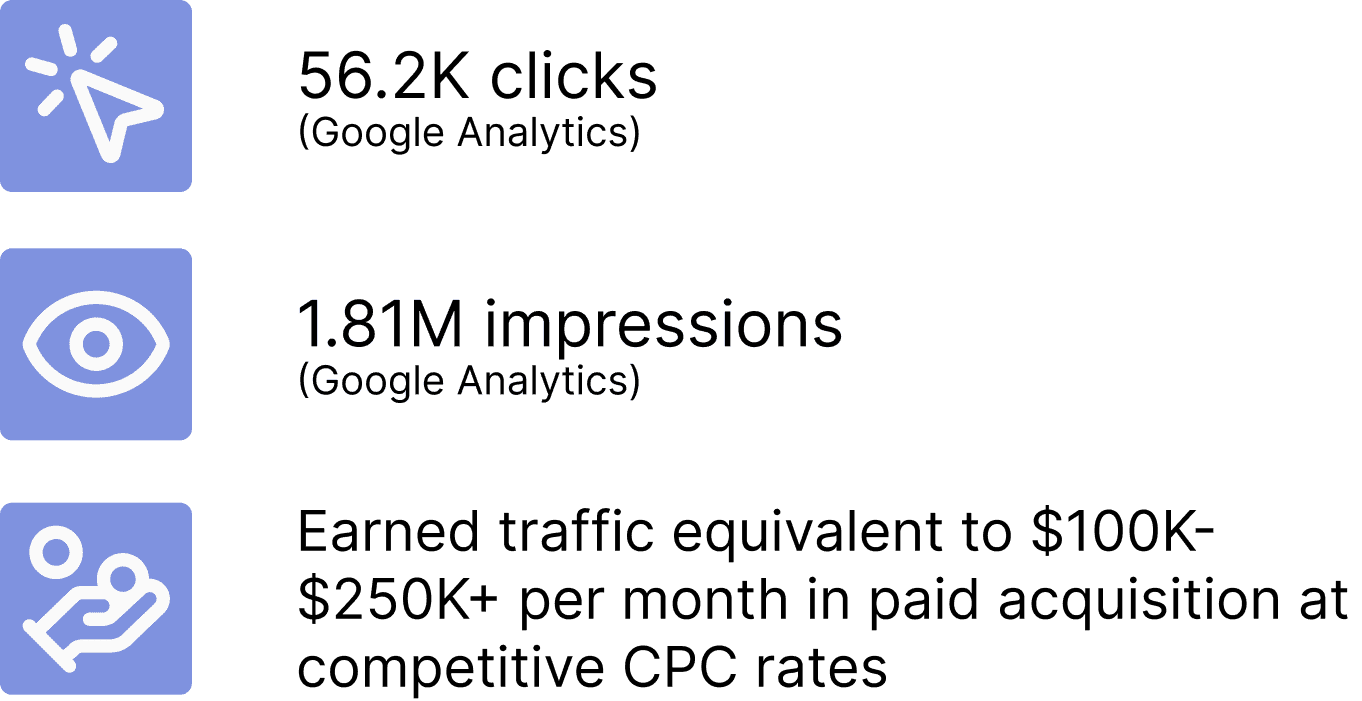
I designed public funder pages that would provide genuine value and introduce users to Grantable. This design was used to generate 180K+ pages and saved $100K-$250K+ in ad spend.

Create pages that:
Rank for funder-related searches (SEO)
Provide real value efficiently to people researching foundations
Convert visitors into signups
Constraint:
SEO required all content on a single page
I conducted 6 interviews with grant professionals to understand how they research and evaluate funders.
Key findings:
Prospecting is tedious and time-consuming
Users scan multiple funders quickly and don’t deep-dive on one at a time
The first question is always: "Is this funder a fit for us?"
How this shaped design:
AI-generated summaries at the top for quick compatibility assessment
Detailed data (financials, grants, people) below for users who want to dig deeper
"[A competing site] often lacks complete information - websites, contact details. Application information is only provided about 25% of the time, necessitating manual Google searches to find opportunities."
I started by looking at how other products organize dense information. Crunchbase and LinkedIn use tabs to break up company profiles into digestible sections.
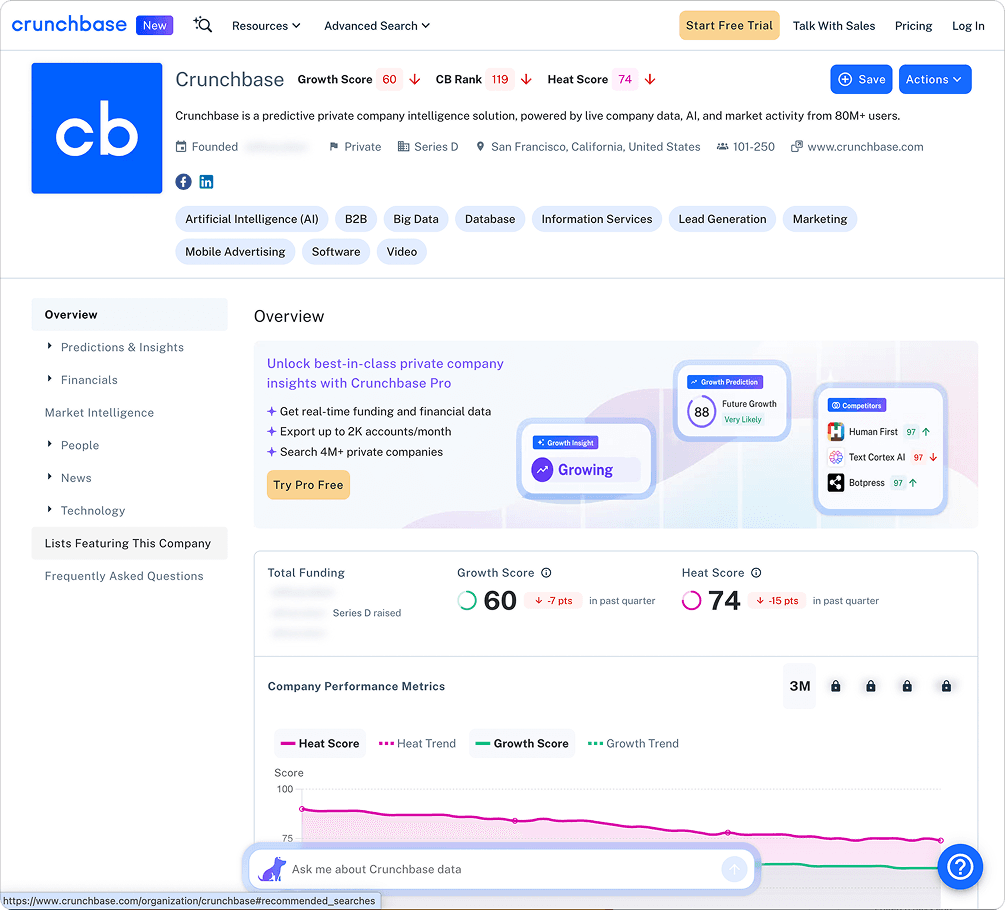
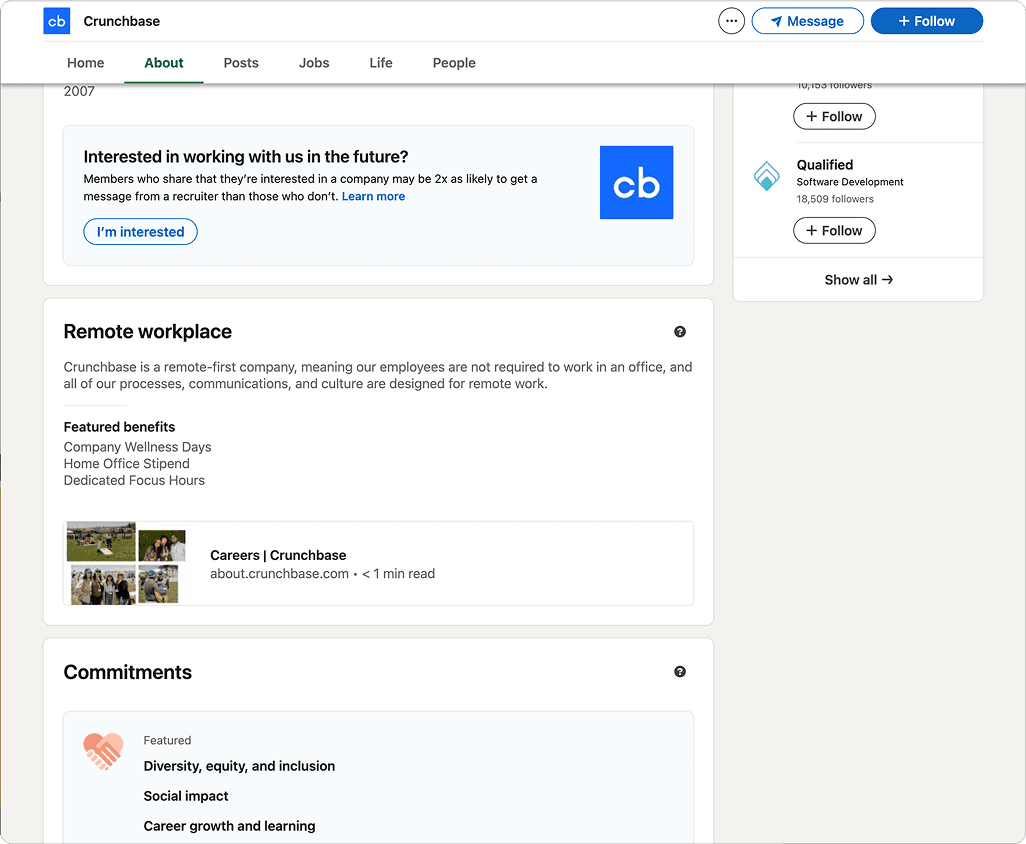
When I presented prototypes following this design, the team flagged a main constraint (among others): pages with embedded tabs would hurt SEO. Pages fared better when all content is visible on one page. Embedded tabs could be done but would require greater dev effort. This led to implementing an anchor navigation that stays at the top and jumps to sections on the page.
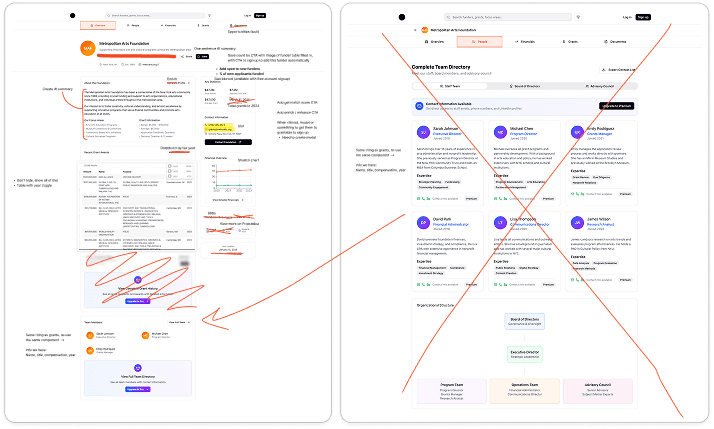
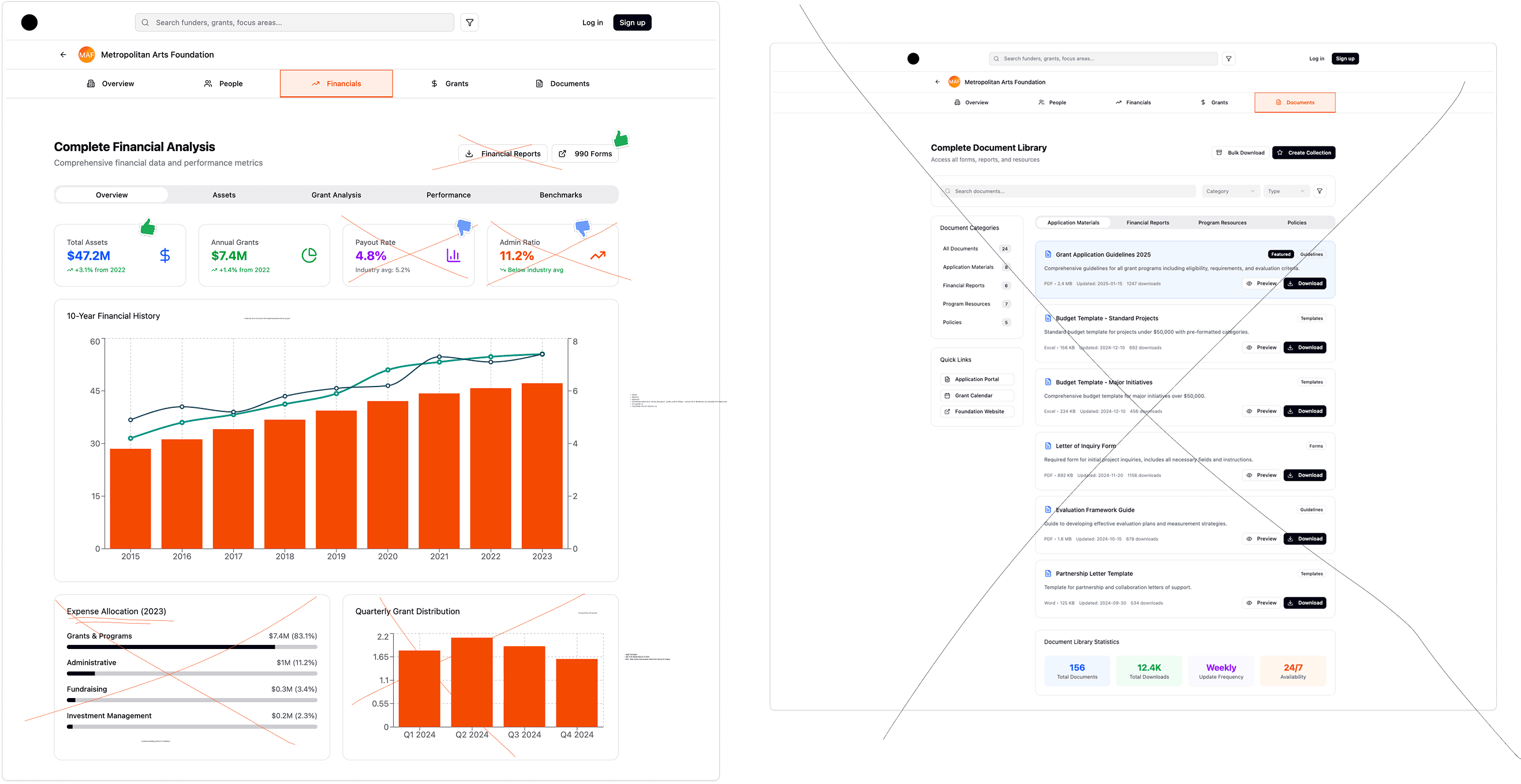
In this process, I used Figma Make prototyping to quickly generate layouts for team discussion. This let us move faster and allowed us to explore what information to display, how to prioritize content, and where to place CTAs before investing in development.
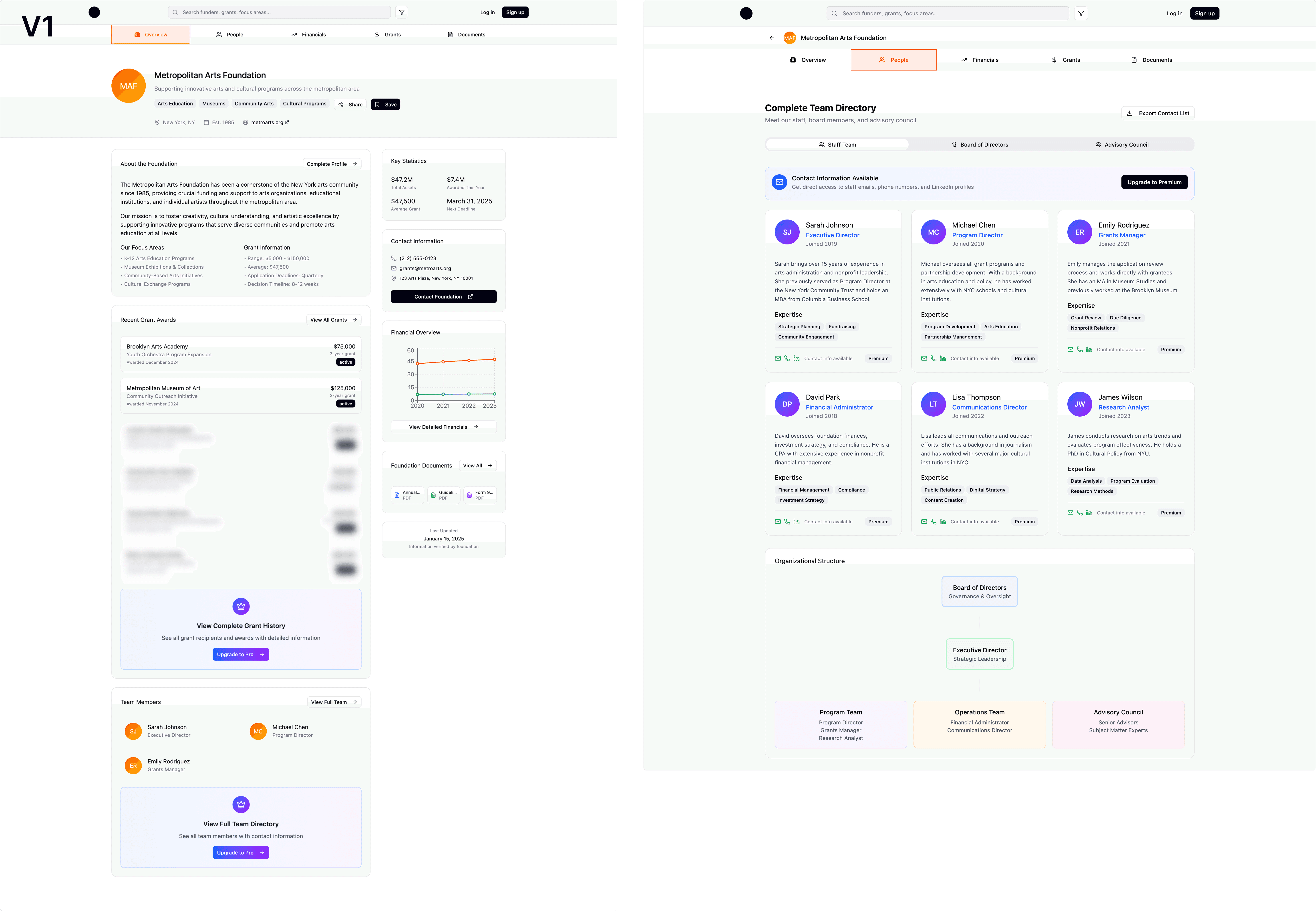
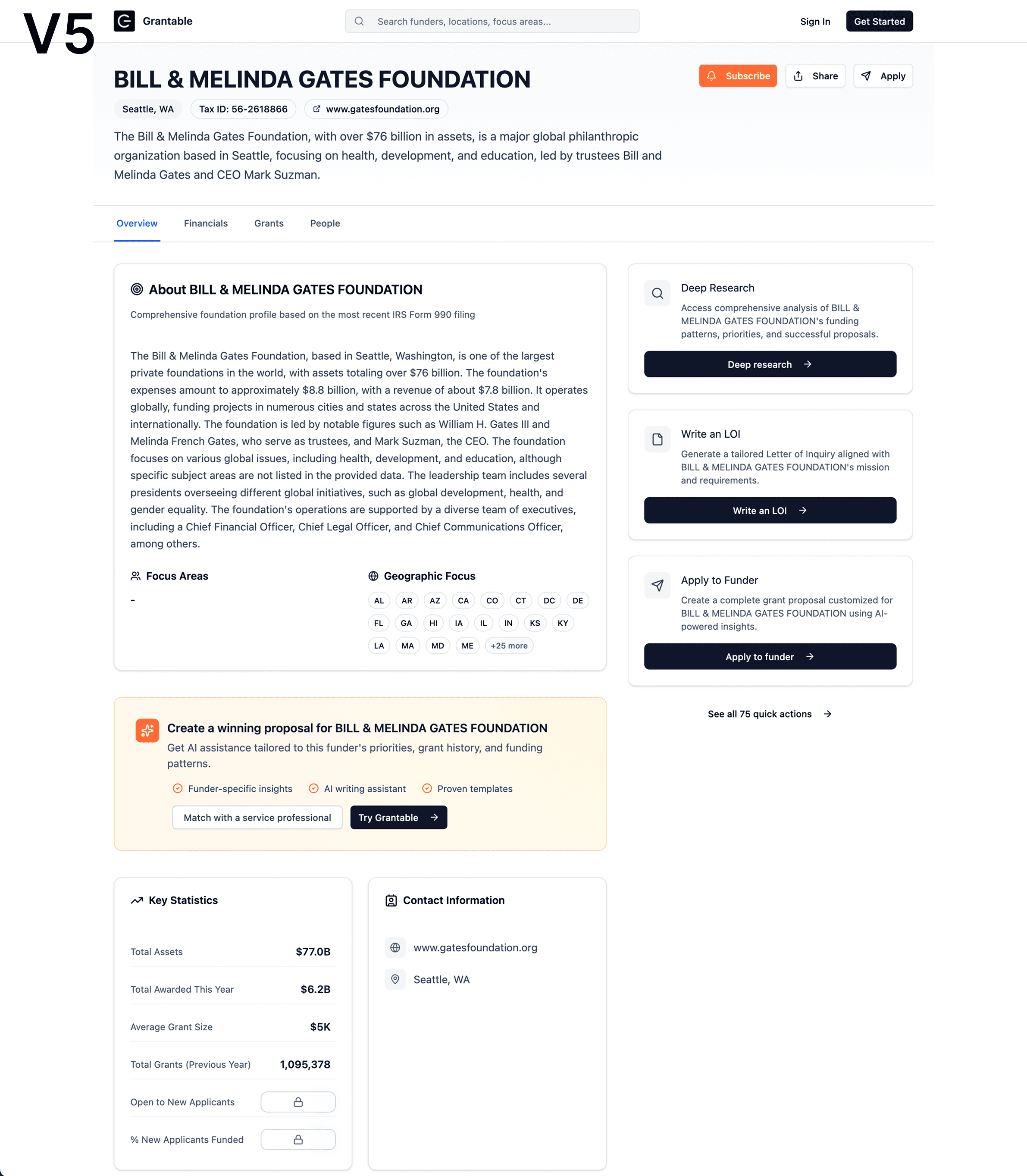
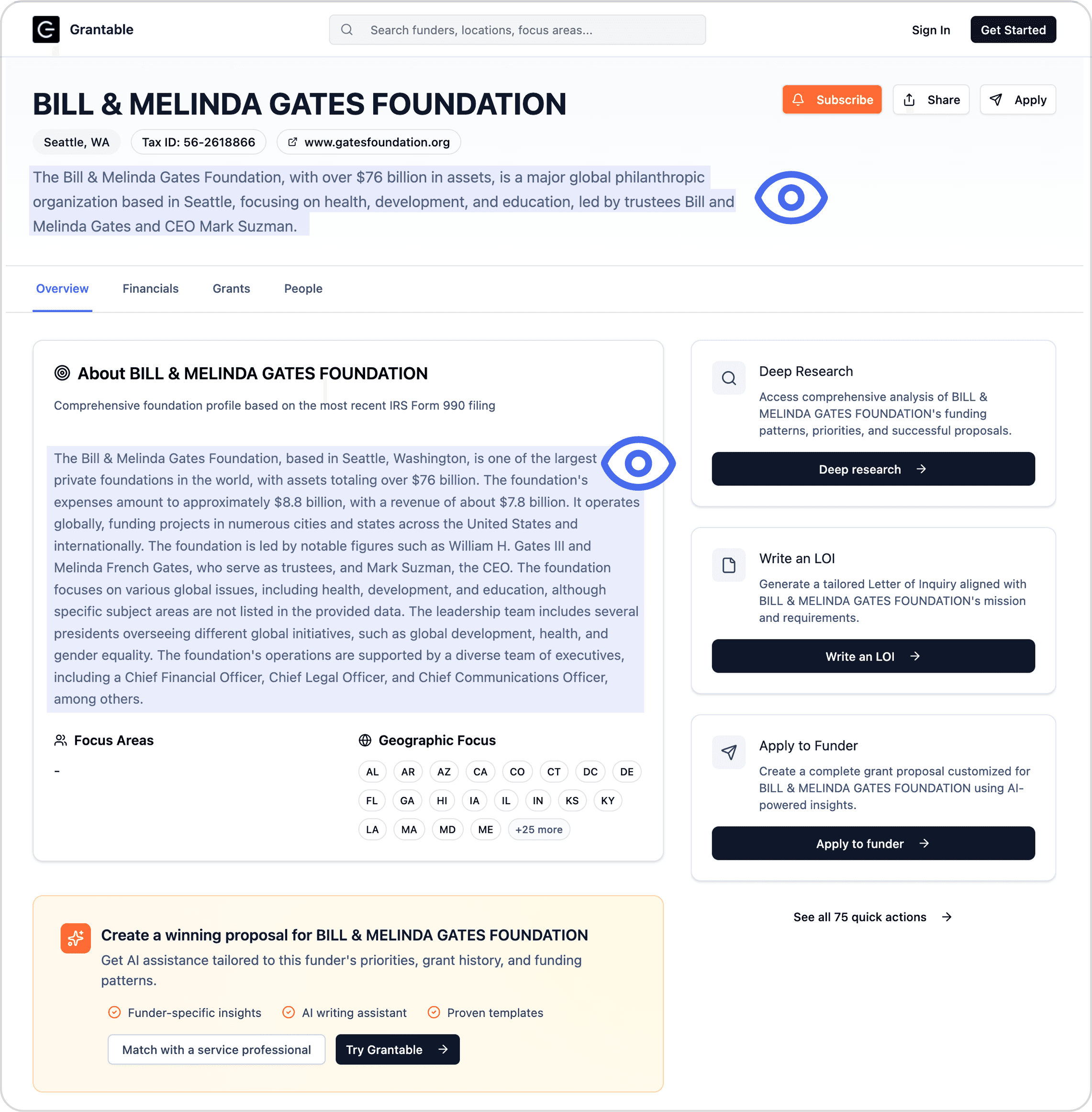
Users research multiple funders very quickly. I designed the page to lead with a short description and overview so users could assess compatibility at a glance, with detailed data below for those who wanted to dig deeper.
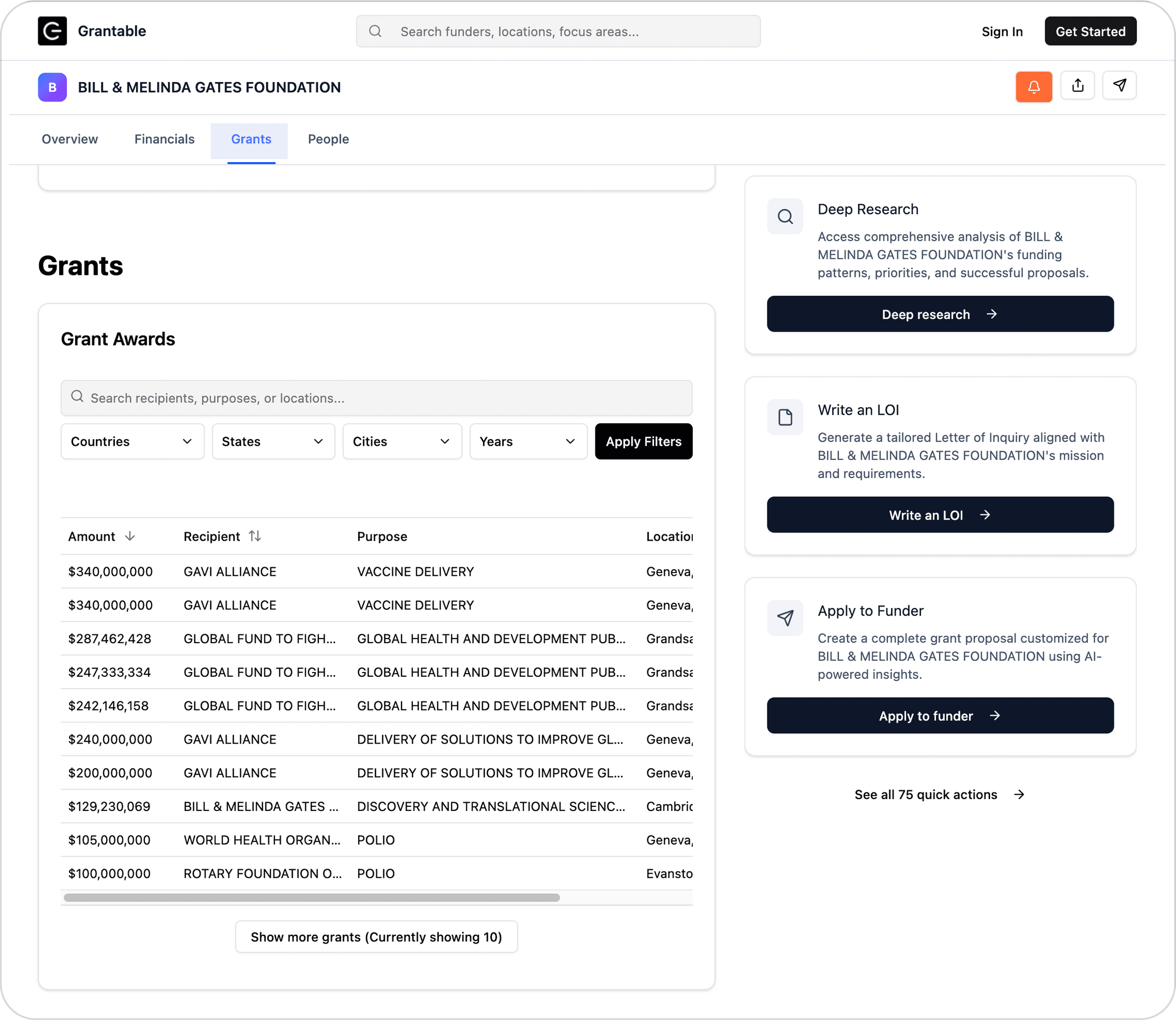
Due to SEO constraints requiring all information on one page, I also included anchor navigation to easily jump to sections and a sticky header so that CTAs were consistently available.
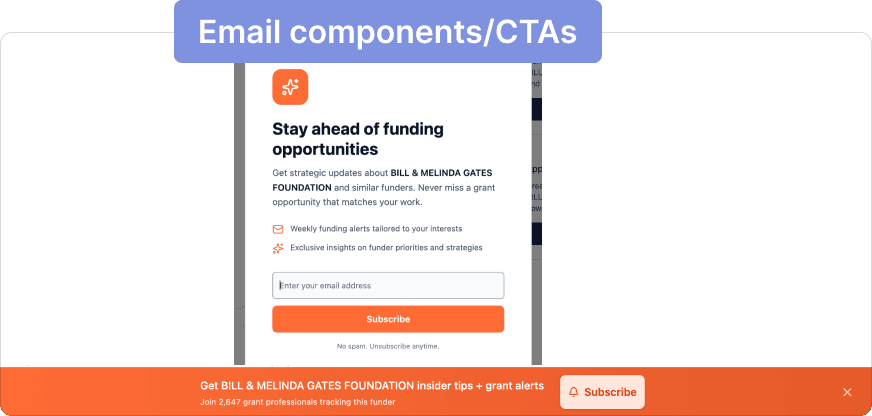
Orange CTAs for email subscription (lower commitment), black for product signup. This created a visual system for different (but equally important) conversion intents and gave users an on-ramp before full signup.

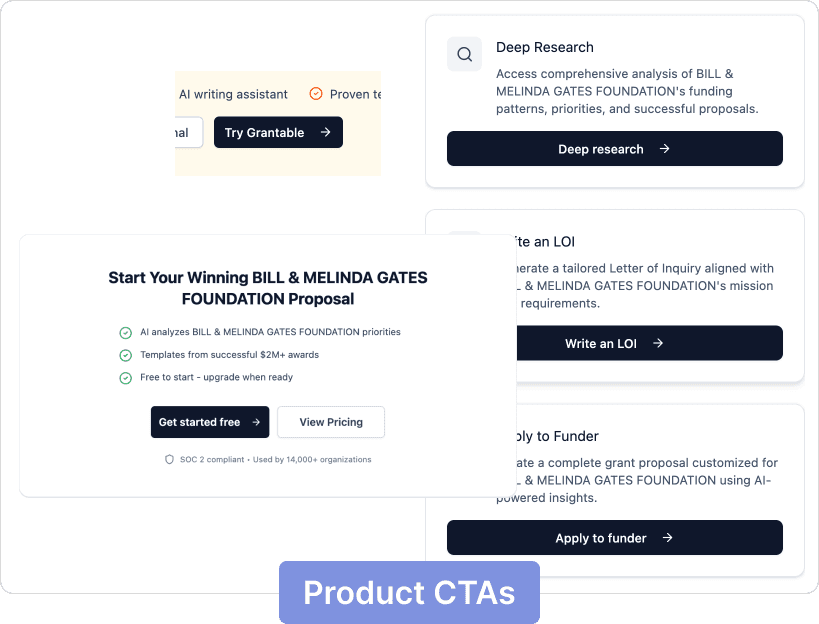
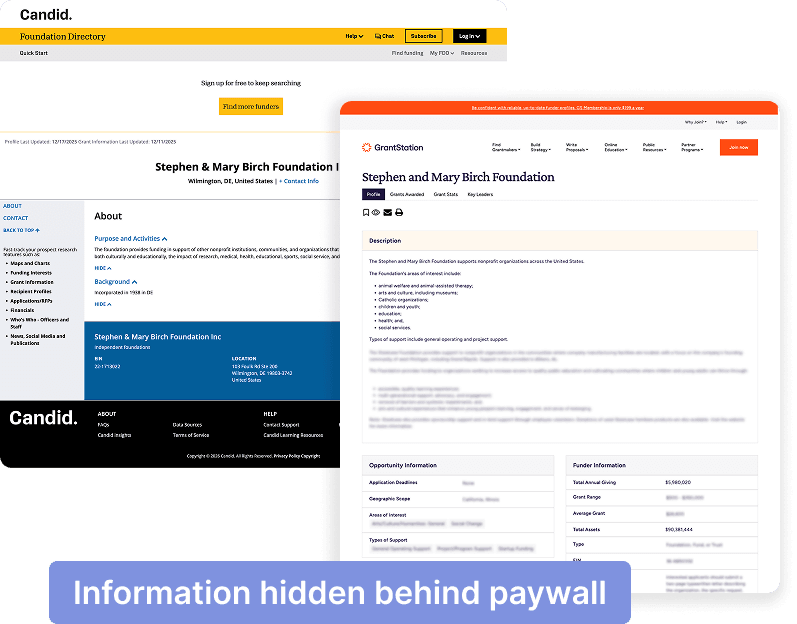
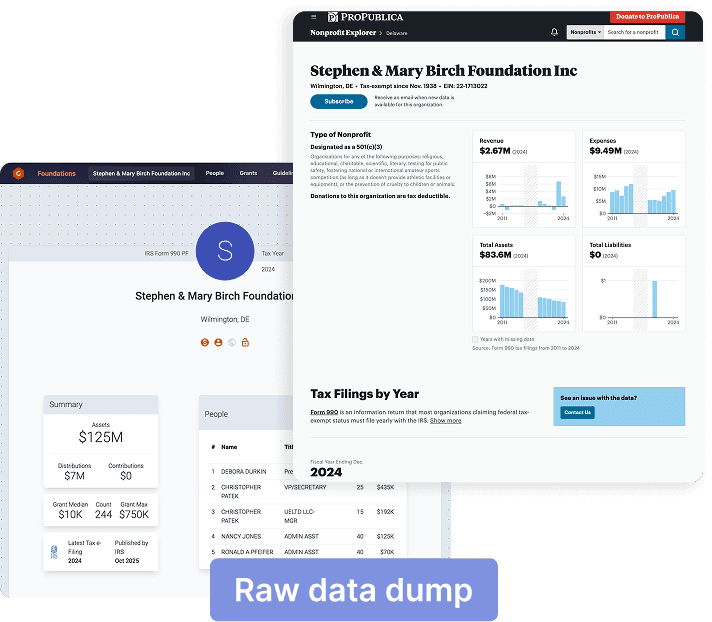
Some competitors paywall public 990 data while others show everything raw. We offered a middle ground: all public data free, but summarized and easy to navigate. Deeper AI-generated insights required an account.
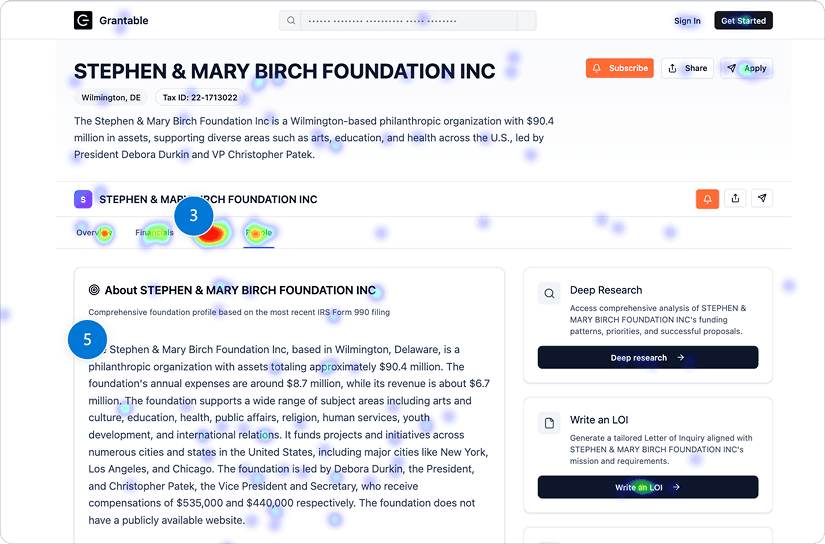
I structured the page as overview → financials → grants → people, leading with the core 990 data.
Post-launch heatmap analysis showed users clicked most on grants, then people, with financials last (or not at all). After reading the summary, users wanted the compatibility signal ("what have they funded?") more than raw financial data. This was also confirmed by the comments that users made via interviews. My next initiative is to reorder the page content to match user activity.